
Proprietary platform
Web and mobile, one connected experience
Market charts, trade management and account information together, on desktop and mobile.
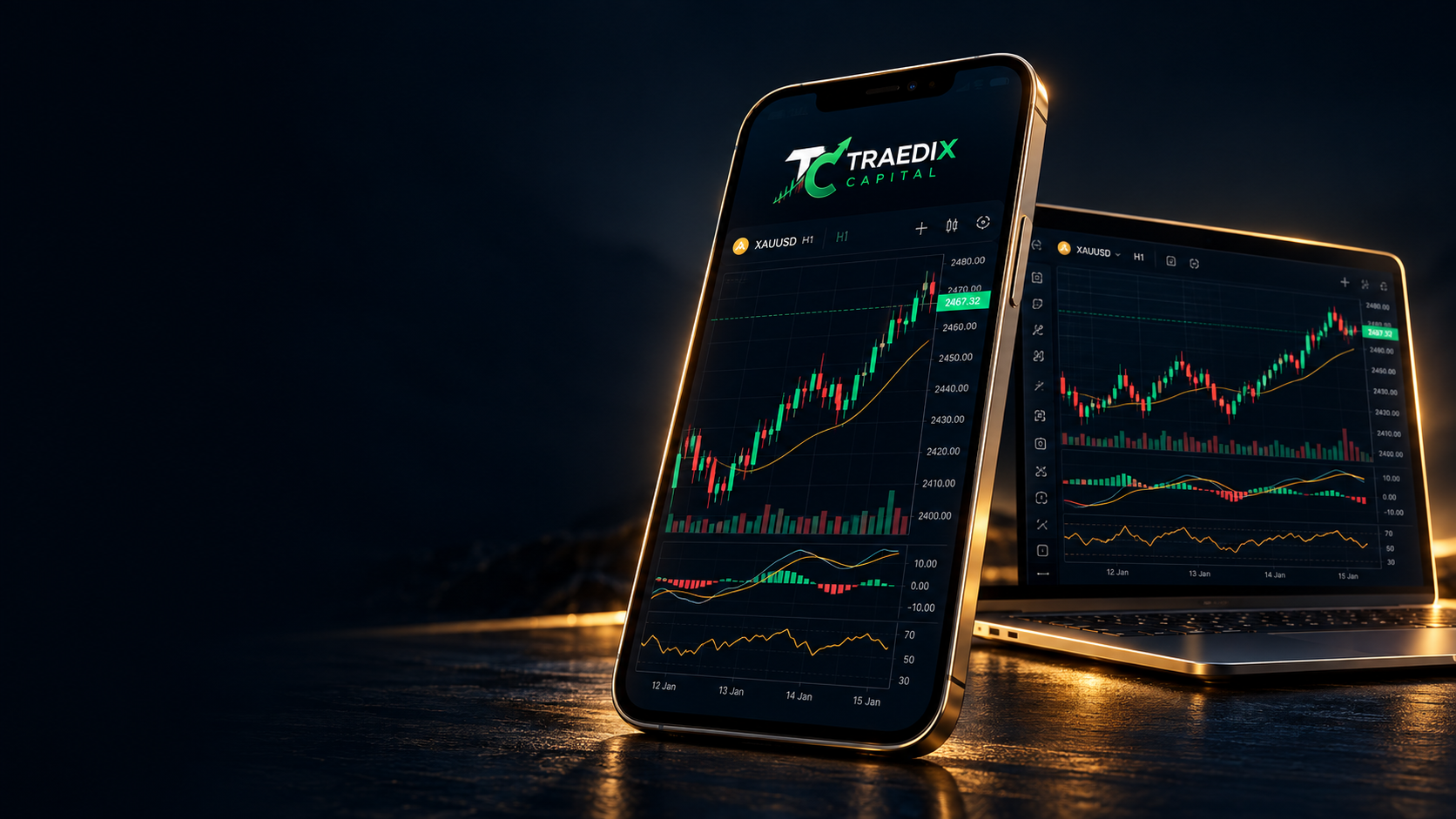
Web and mobile, one connected experience
Volume, take profit and stop loss
Balance, equity and margin
Forex, metals, energy and shares
Review order details and results
Account information and support
From forex and shares to gold, silver, oil and indices. Review each instrument before entering the platform.
View all marketsScreens are illustrative. Login and trading take place through the main portal. This page does not provide an installable app download.
An illustration of trading on mobile and tablet. Charts and figures are for demonstration.
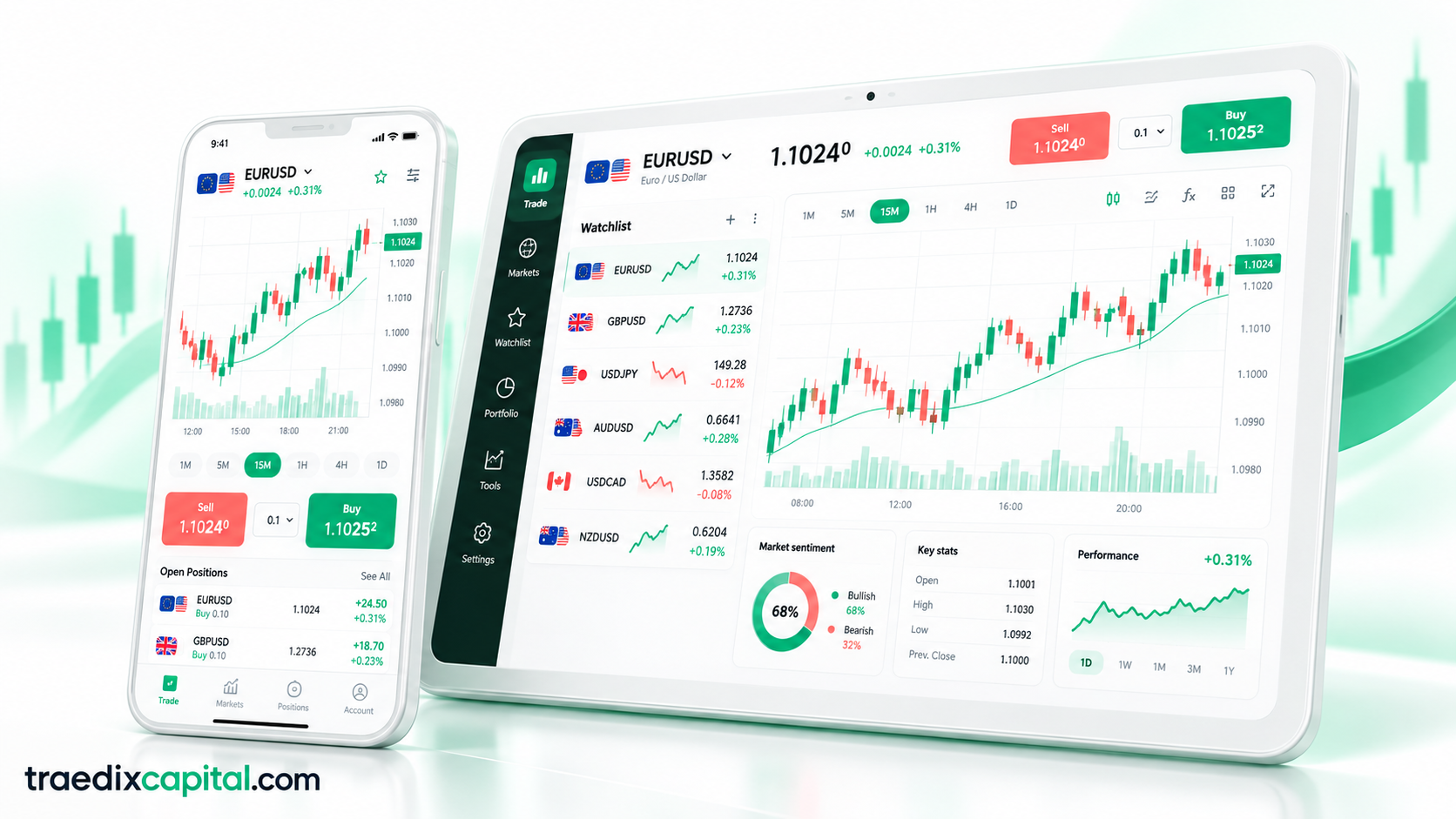

Access the platform on mobile, tablet and computer.
Install the official Android app (version 1.8.0).
Download APKOn iPhone, open traedixcapital.com/m in Safari, tap Share and choose “Add to Home Screen”.
Open the iPhone versionUse your browser to access the main website and platform login.
Open the main websiteThe Android app is available now; on iPhone, add the app to your home screen from Safari.